Settings
Scan speed, quick phrases, telemetry and deleting your data.
Open Settings at the bottom of the first screen. They cannot be changed during a session, so this is usually a job for whoever helps set Glint up.
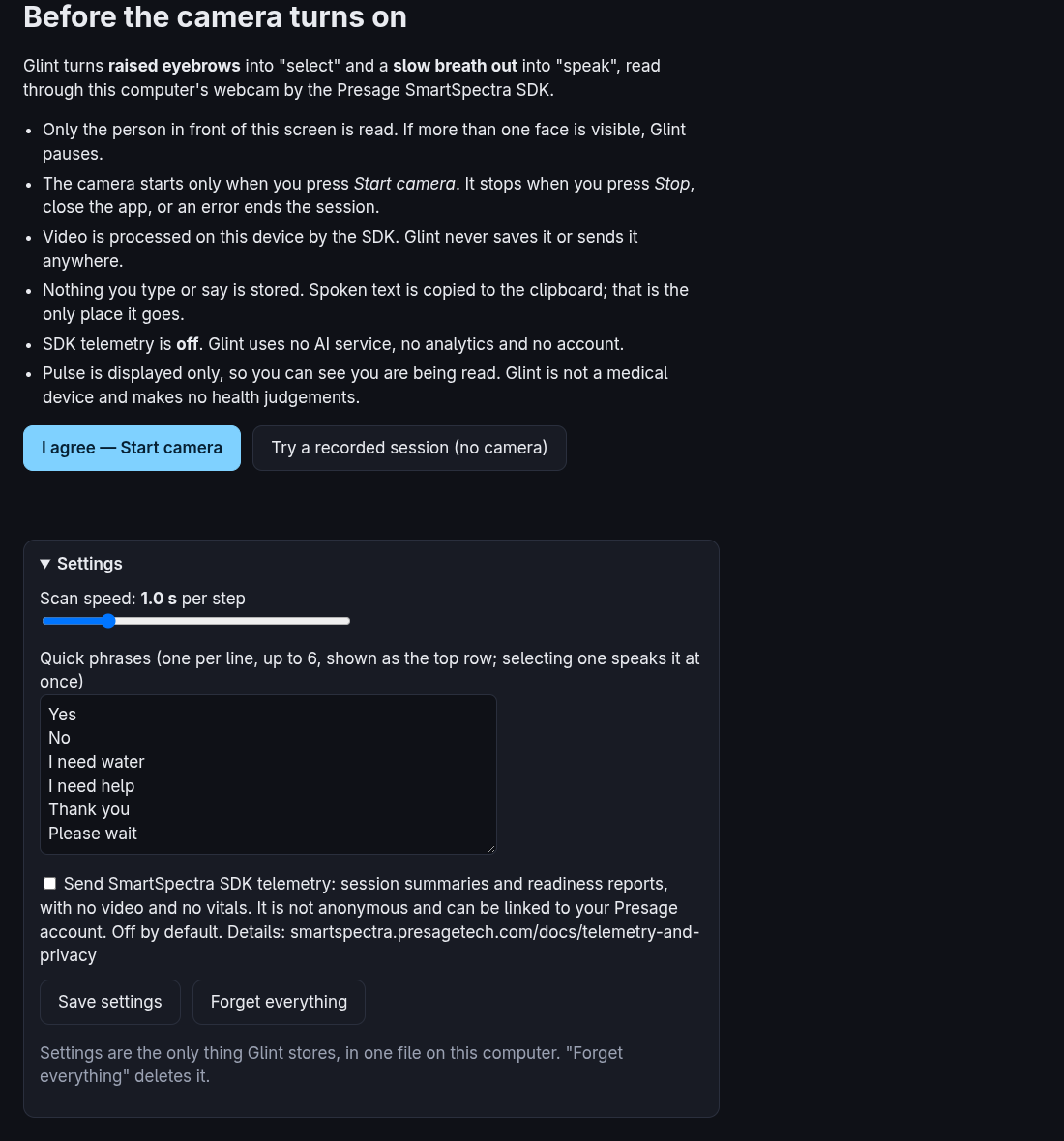
Scan speed
How long the highlight stays on each item, from 0.5 to 3 seconds. The default is 1 second. Start slower than you think you need: a late select is the most common mistake.
Quick phrases
One phrase per line, up to 6, up to 40 characters each. They appear as the top row, and selecting one speaks it at once. Clear the box to remove the row.
Choose what the person actually needs to say quickly, such as "Call my nurse" or "I'm in pain". Phrases are stored in the settings file.
SDK telemetry
Off by default. Read what it sends before turning it on.
Forget everything
Deletes the settings file and returns to the defaults. It is the only thing Glint stores.