Basic usage
Type and speak your first word, first with the keyboard and then with the camera.
Start with a recorded session. It needs no camera and no key, and it teaches you how the board moves.
Try it without a camera
Open the recorded session
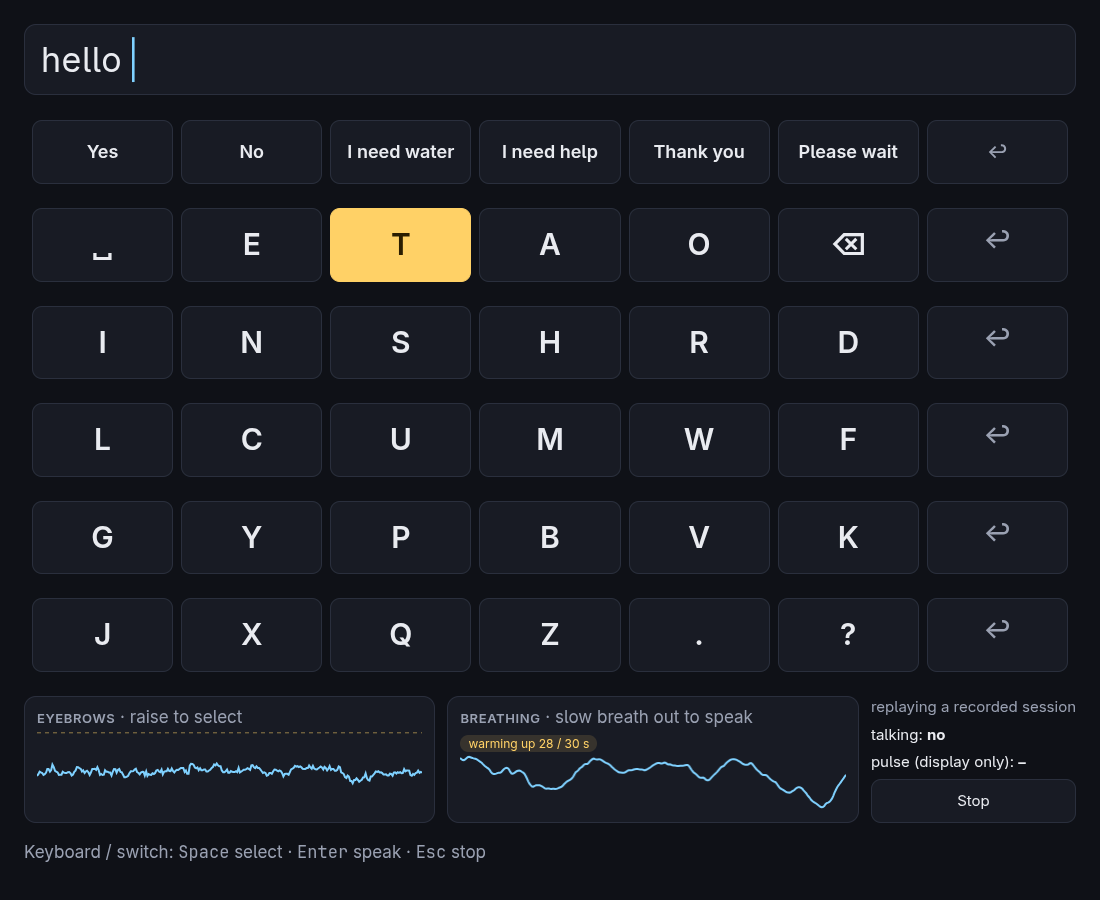
Start Glint and press Try a recorded session (no camera). The board appears, and the traces at the bottom replay a real session.
Pick a row
Rows light up one at a time, once a second. When the second row (␣ E T A O ⌫) is lit, press Space.
Pick a key
Now the keys in that row light up in turn. When E is lit, press Space. An "e" appears at the top.
Speak it
Press Enter. Glint says the text aloud, copies it, and clears the line.
The replay contains real eyebrow raises and breaths, so now and then the board reacts by itself. That is the recording, not a bug.
Use the camera
Read the consent screen and start
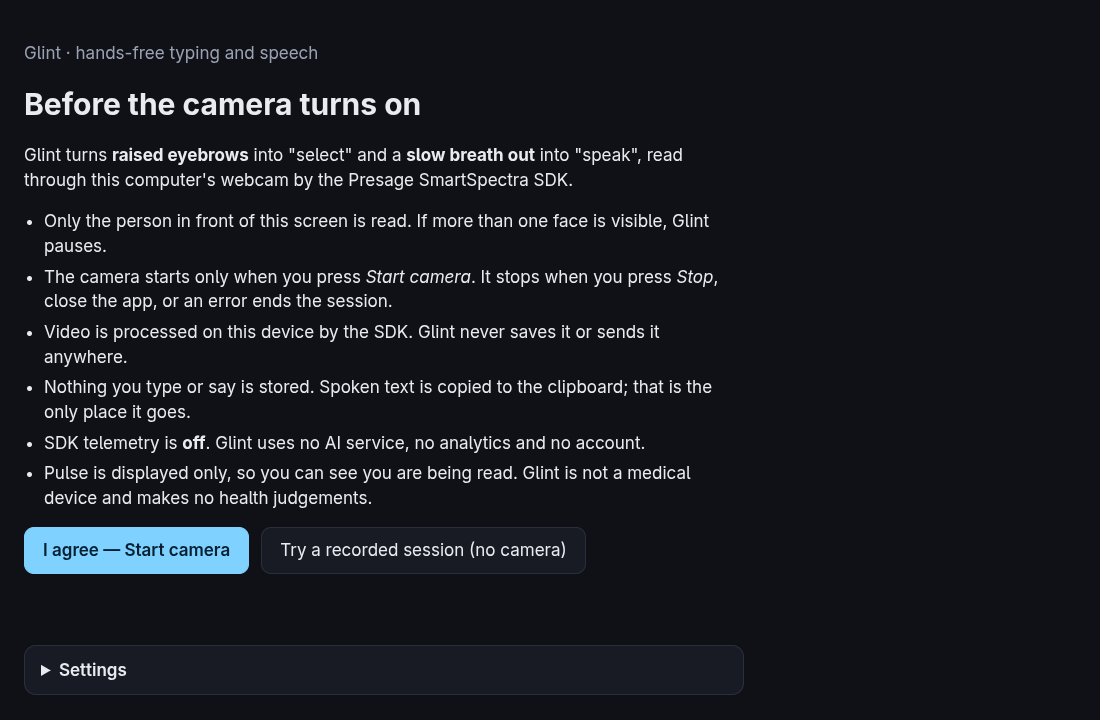
Press I agree — Start camera. The camera does not turn on before this.
Get ready
Face a lamp or window and follow the hints. See Camera and light. The first session of the day can take up to a minute while the SDK loads its models. The board opens by itself when you are in view.
Raise your eyebrows to select
Raise them when the row you want is lit, then relax. Do the same for the key. See Gestures.
Breathe out slowly to speak
Take a breath in, then let it out gently over about three seconds.
Press Stop or Esc at any time. The camera turns off and you return to the first screen.